
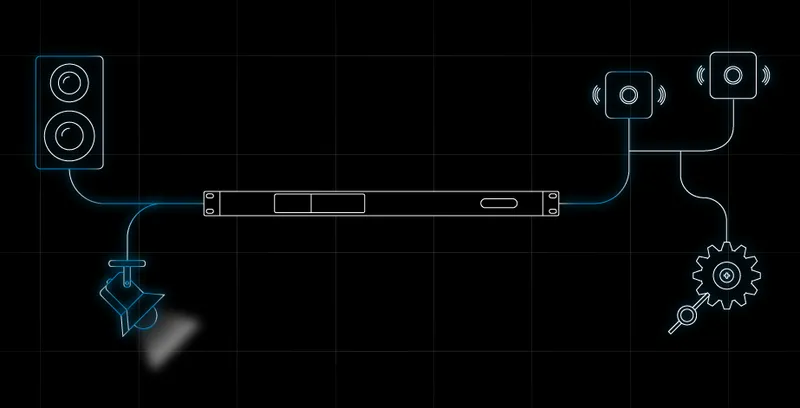


With safety and ease of use in mind, the Powersoft Cloud helps futureproof your system by expanding the capabilities of your amplifier.
Through MyUniverso, you can store and access projects, monitor systems, and remotely control amplifiers from anywhere.
Firmware updates and system adjustments no longer require trips to the installation site and can be performed remotely. These functionalities are available out of the box without the need for programming activation and can be integrated into third-party systems.
Like the Universe, the Powersoft Cloud is ever-expanding, continuously adding new features and functionalities to enhance the potential of your Powersoft amplifiers along the journey.
What’s New in MyUniverso 2.0?
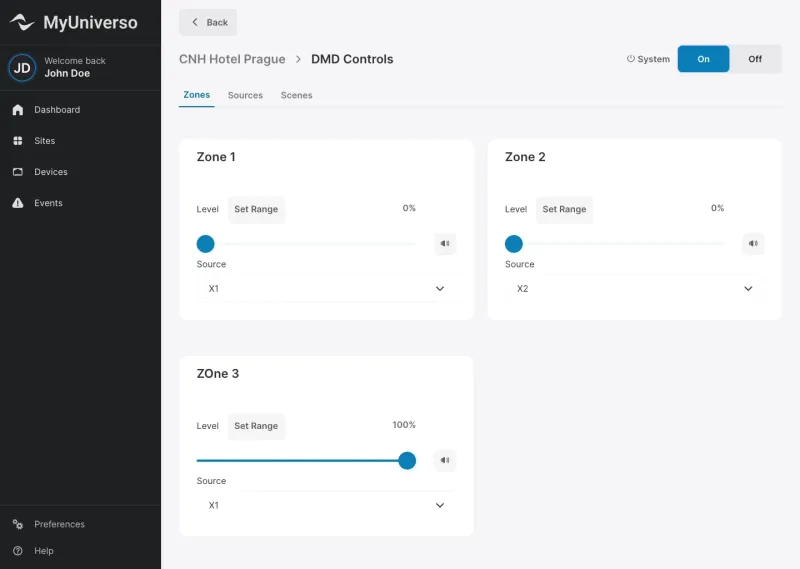
Store Your Projects in the Cloud
The deep integration with Armonía Plus enables swift transfer of projects from the software to MyUniverso Cloud.
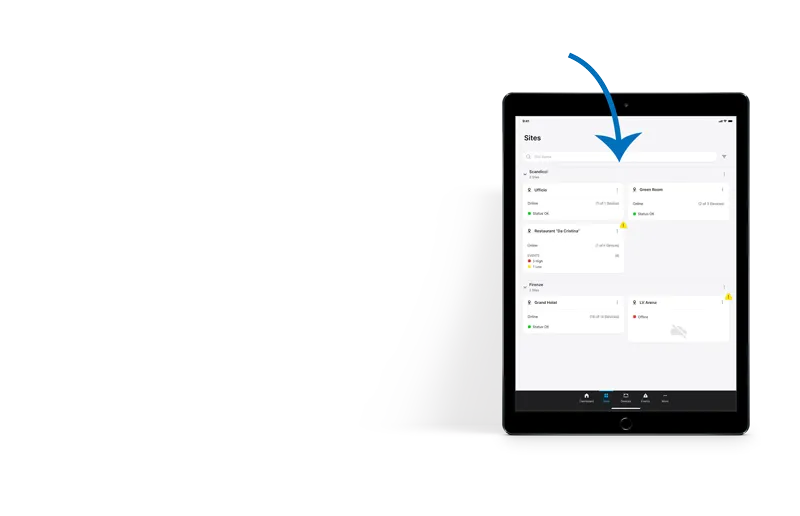
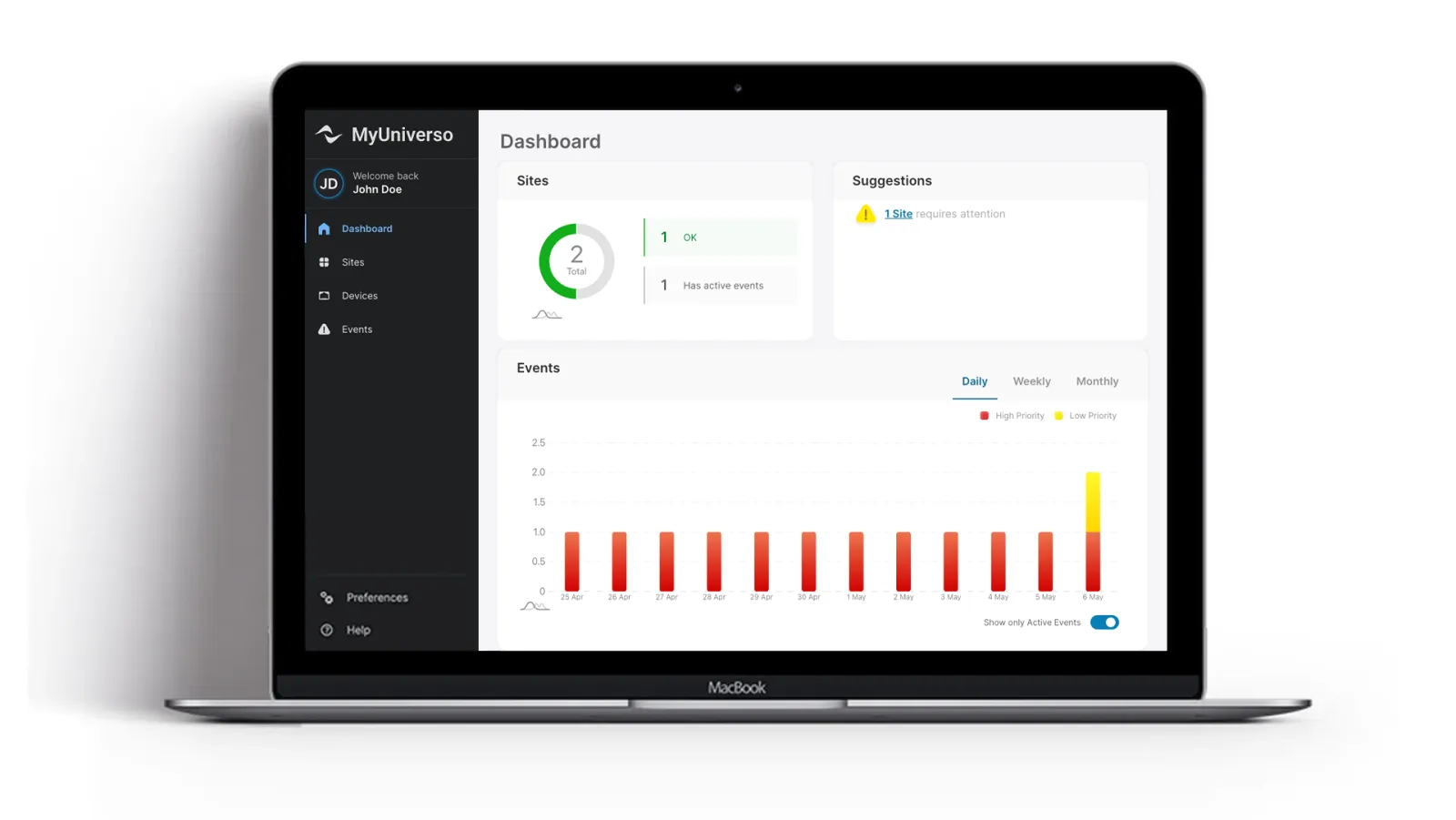
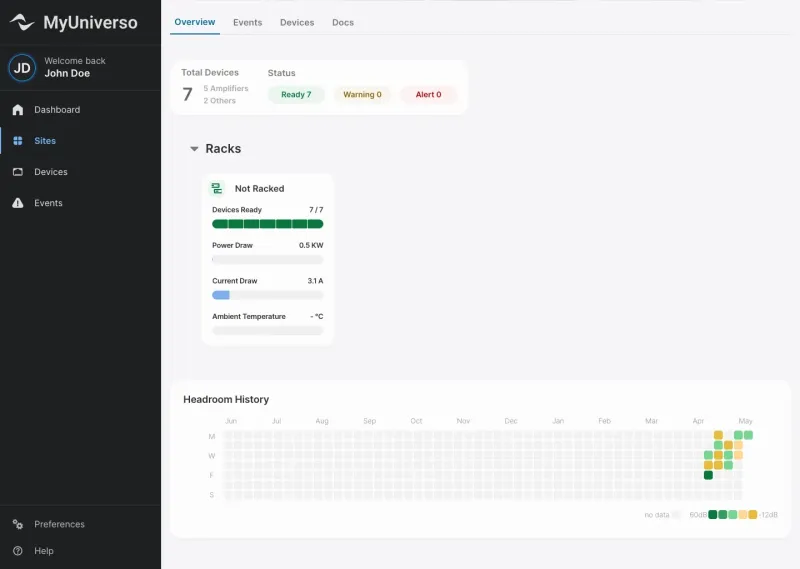
Monitor All Your Sites from One Place
Get real-time visibility into device activity, system status, and performance metrics across all your sites.
Control Your Devices Remotely
Adjust settings, change presets, and fine- tune parameters across devices without being on site.

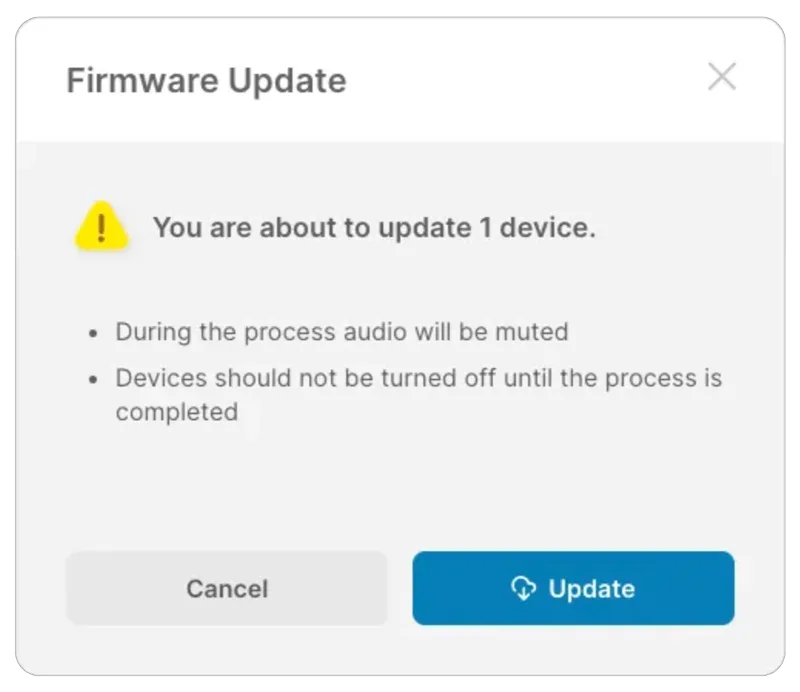
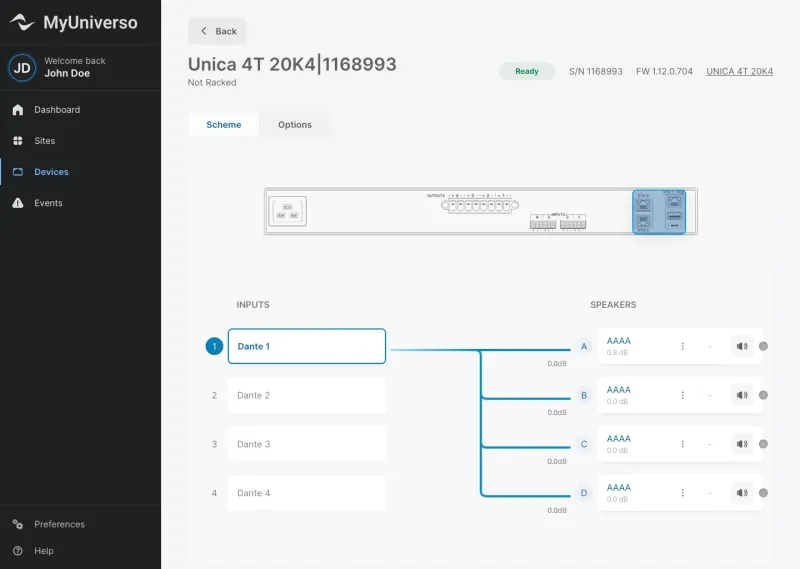
Perform First-Level Debugging and Maintenance
Just hover on an input or speaker to quickly inspect the signal flow of the devices. Keep the system up to date with remote firmware updates.
Protect Your Data with Secure Communication
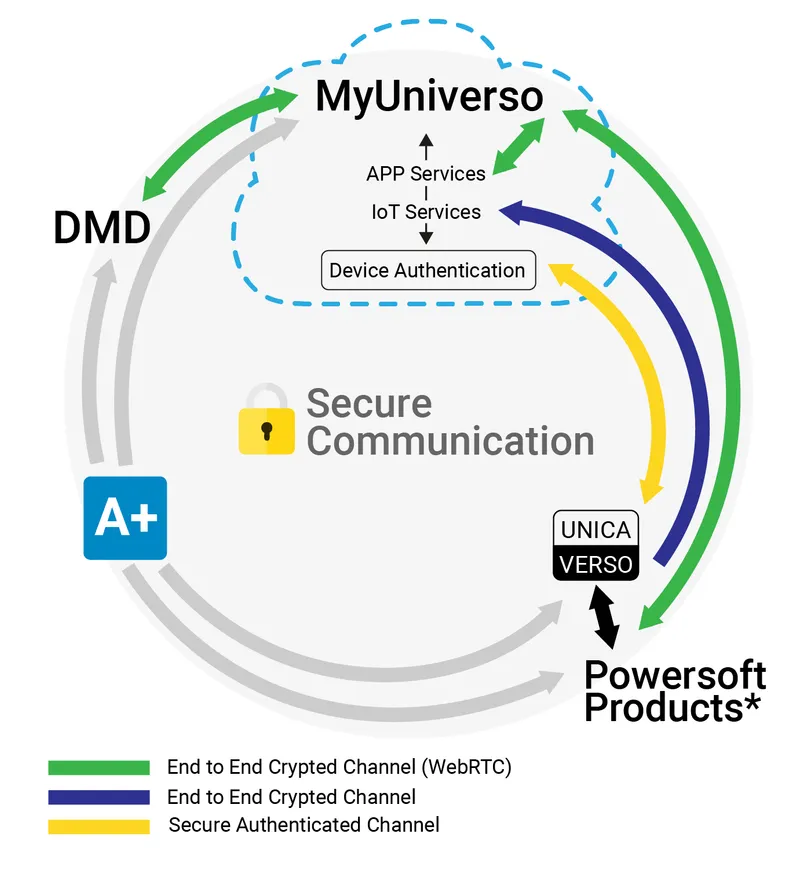
Your data stays protected, with all communication between the Cloud, UNICA, and Armonía Plus secured through encryption, authentication, or login credentials.

Use the Platform on Any Device
Light and dark themes, plus full responsive design, are available from day one to meet your needs in any situation.
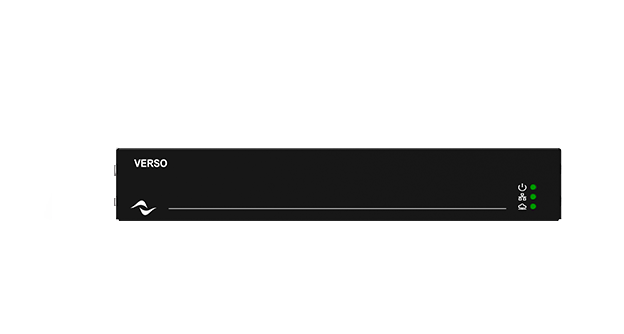
Take Any System to The Cloud with VERSO.
Using amplifiers that aren’t cloud-native?
VERSO Gateway enables cloud connectivity across the entire Powersoft portfolio.