
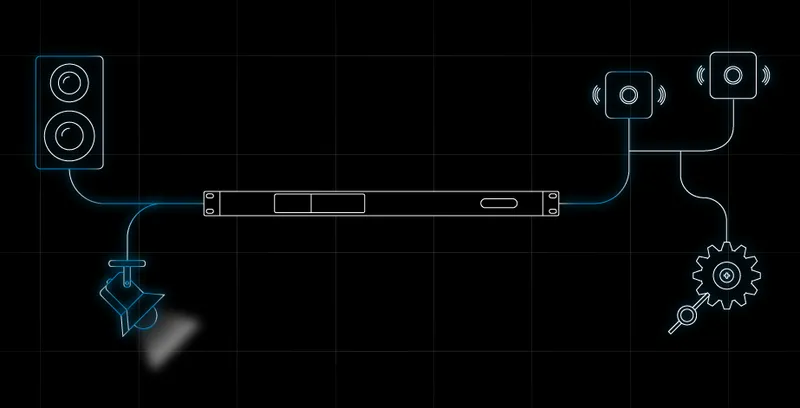


Progettato all’insegna della sicurezza e della semplicità d’uso, il Cloud Powersoft estende le capacità dell’amplificatore e prepara il sistema al futuro.
Con MyUniverso si archiviano e si consultano i progetti, si monitorano i sistemi e si controllano gli amplificatori da remoto, ovunque ci si trovi.
Gli aggiornamenti firmware e le regolazioni di sistema non richiedono più trasferte sul luogo dell’installazione e si eseguono a distanza. Sono funzioni disponibili da subito, senza attivazioni da programmare, e si possono integrare in sistemi di terze parti.
Come l’universo, il Cloud Powersoft è in continua espansione: lungo il percorso si aggiungono nuove funzioni e nuove funzionalità che ampliano il potenziale degli amplificatori Powersoft.
Cosa c’è di nuovo in MyUniverso 2.0?
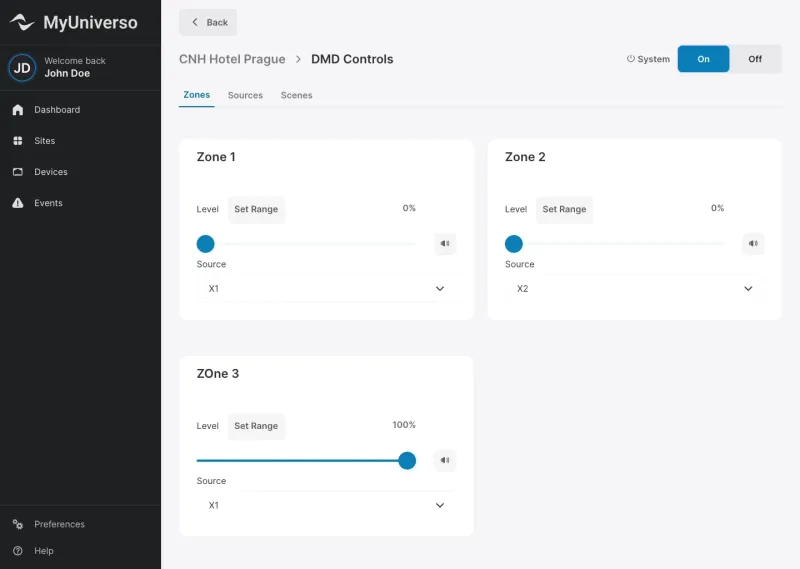
Archivia i progetti nel cloud
L’integrazione profonda con Armonía Plus permette di trasferire rapidamente i progetti dal software al Cloud MyUniverso.
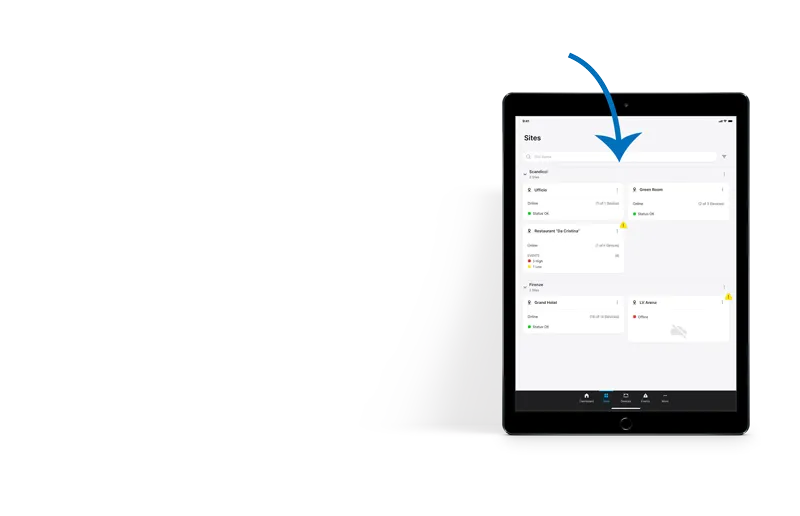
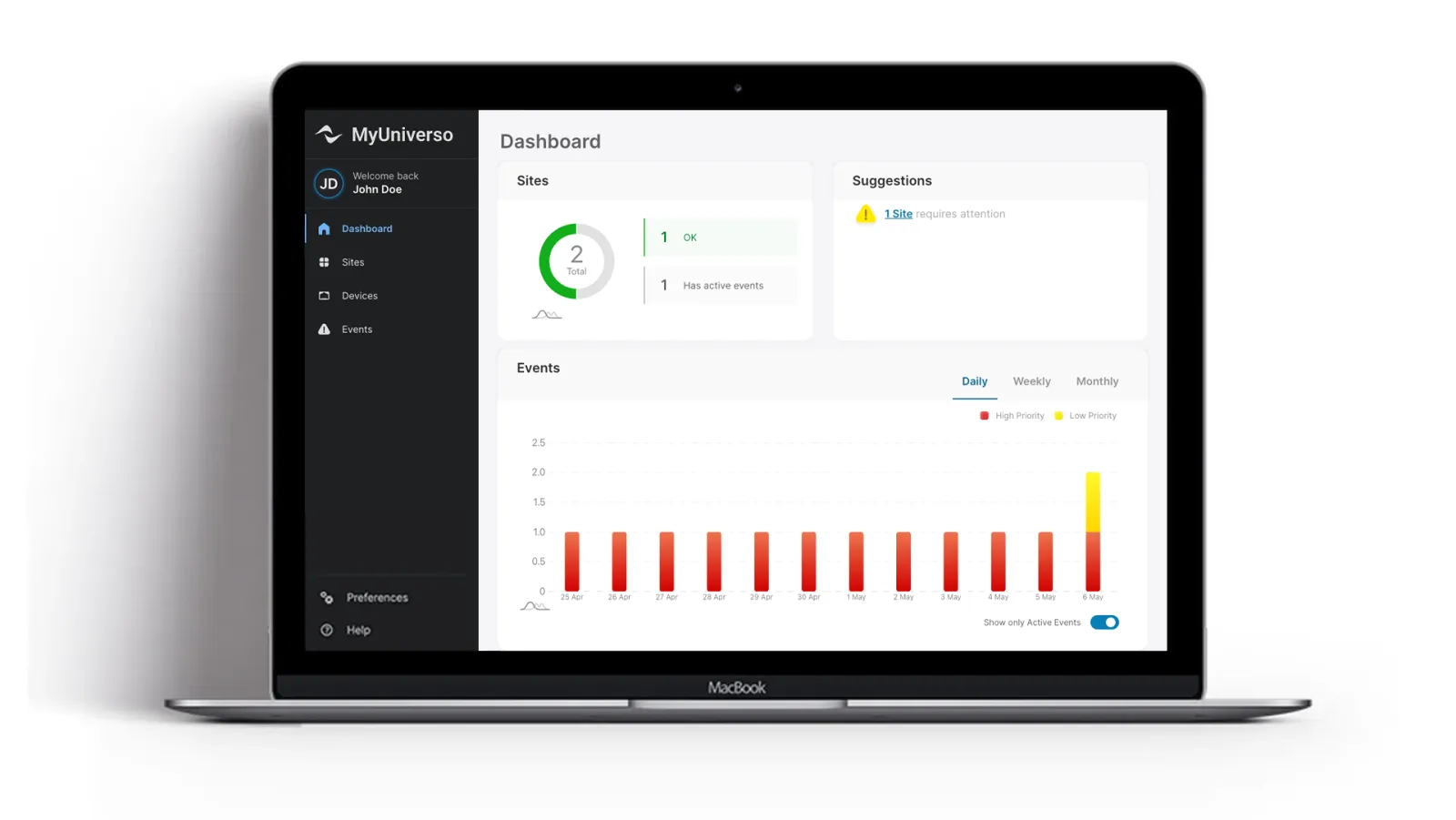
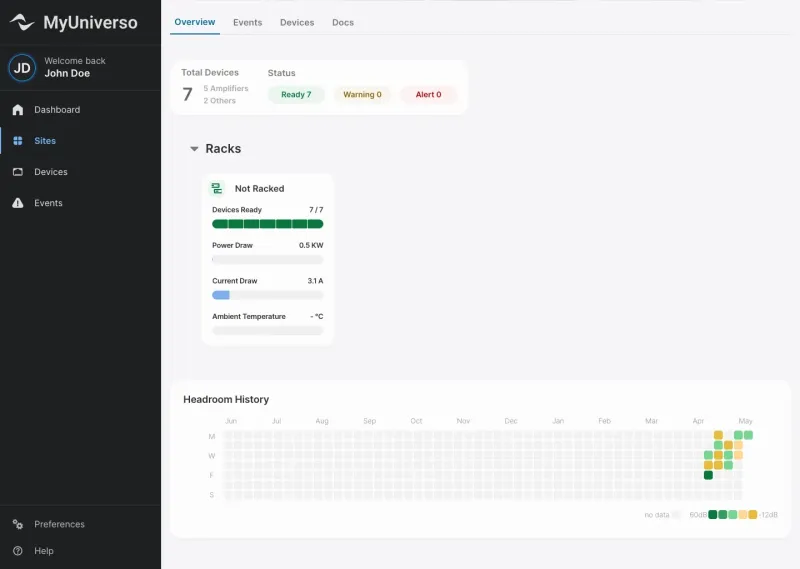
Monitora tutti i siti da un solo posto
Visibilità in tempo reale sull’attività dei dispositivi, sullo stato del sistema e sui parametri di prestazione di tutti i siti.
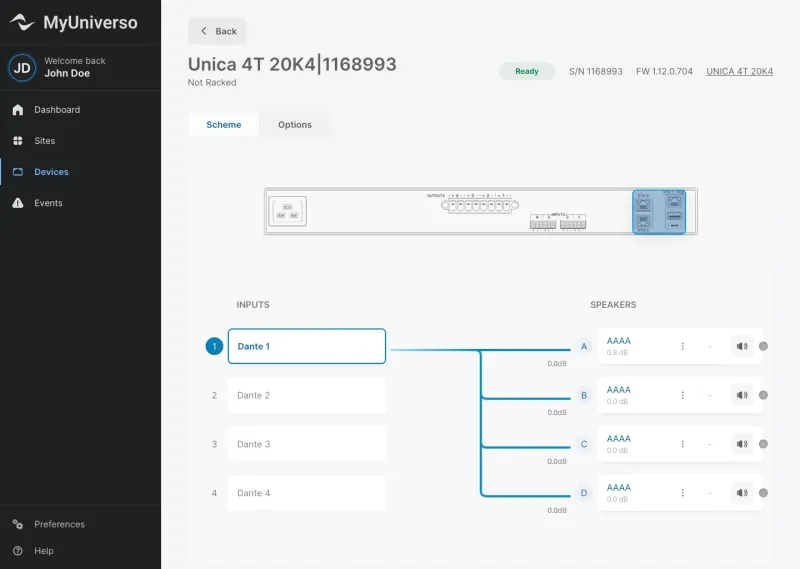
Controlla i dispositivi da remoto
Regola le impostazioni, cambia i preset e metti a punto i parametri dei dispositivi senza essere sul posto.

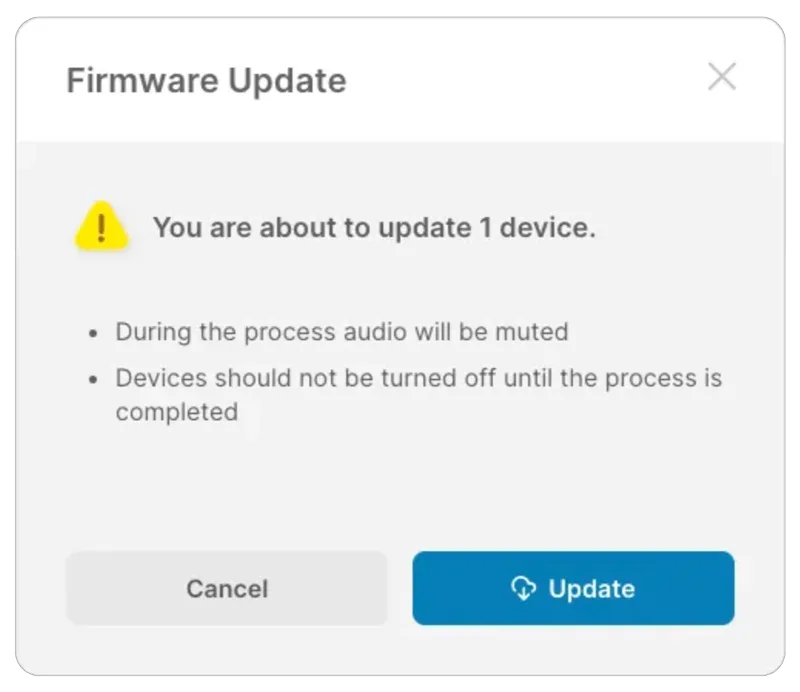
Esegui il debug e la manutenzione di primo livello
Basta passare il puntatore su un ingresso o su un diffusore per esaminare al volo il flusso di segnale dei dispositivi. Il sistema resta aggiornato con gli aggiornamenti firmware da remoto.
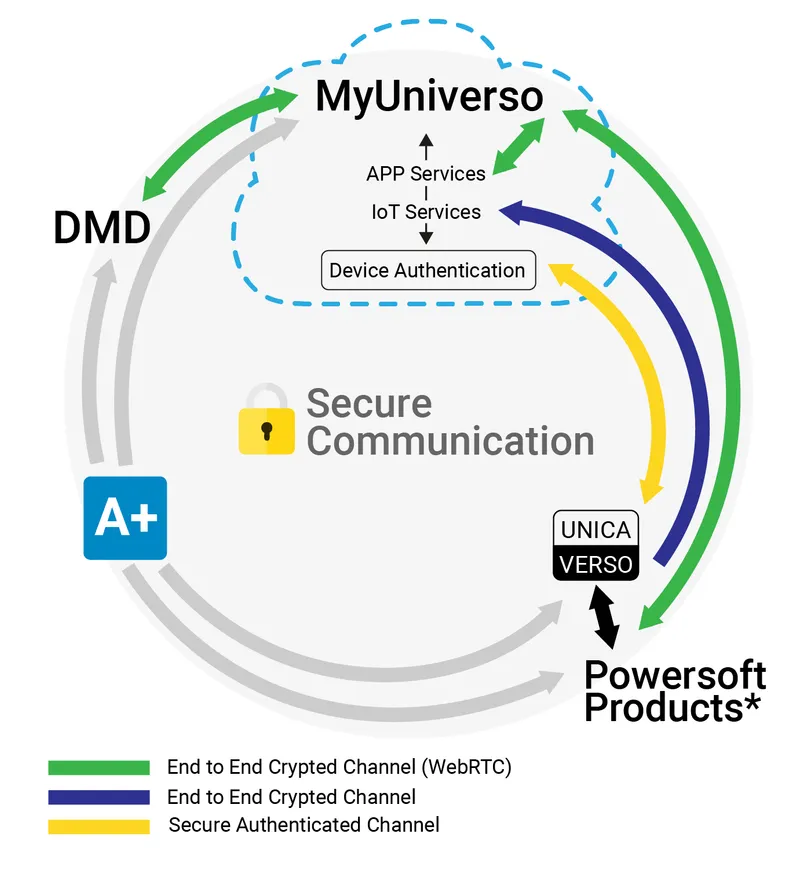
Proteggi i dati con una comunicazione sicura
I dati restano protetti: tutte le comunicazioni tra il Cloud, UNICA e Armonía Plus sono protette da cifratura, autenticazione o credenziali di accesso.
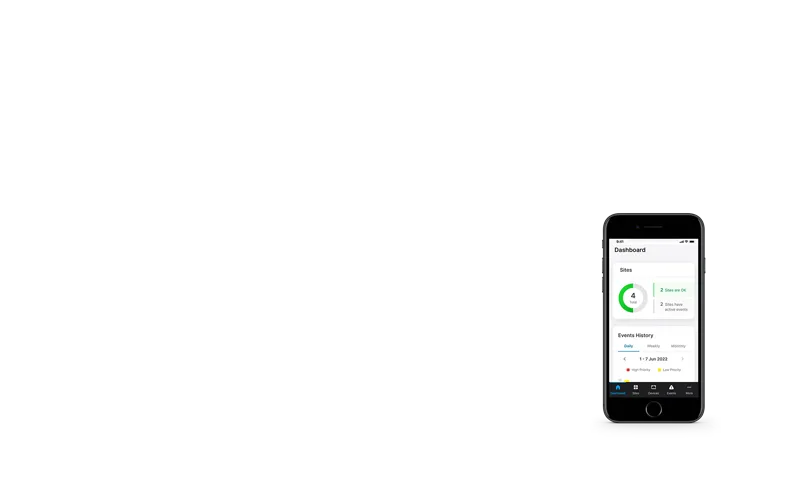
Usa la piattaforma su qualsiasi dispositivo
Tema chiaro, tema scuro e design completamente responsive sono disponibili dal primo giorno, per ogni esigenza e in qualsiasi situazione.
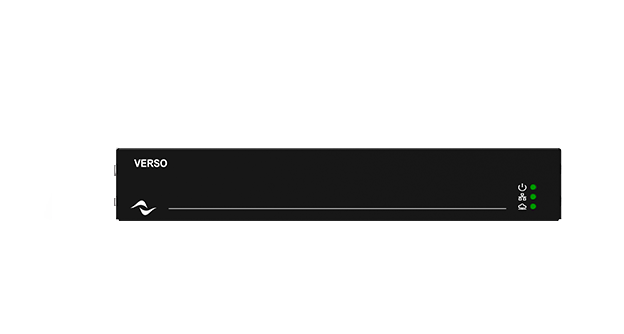
Porta qualsiasi sistema nel cloud con VERSO.
Usi amplificatori che non sono nativi cloud?
Il gateway VERSO porta la connettività cloud su tutto il portfolio Powersoft.